Overview
- The WebBrowser module of Python standard library provides a set of functions to display a webpage corresponding to a URL on the web browser available in the system.
- If the web browser is a text-mode browser launched on command line itself, then the process corresponding to the Python program waits till the browser exits. Else they run independently after a browser process is pawned.
Example
# Example python program that opens a url in the default browser

# available in the system

import webbrowser

# URL to be opened in the browser

url = "https://www.example.com"

# Open the url in the default browser

webbrowser.open(url);
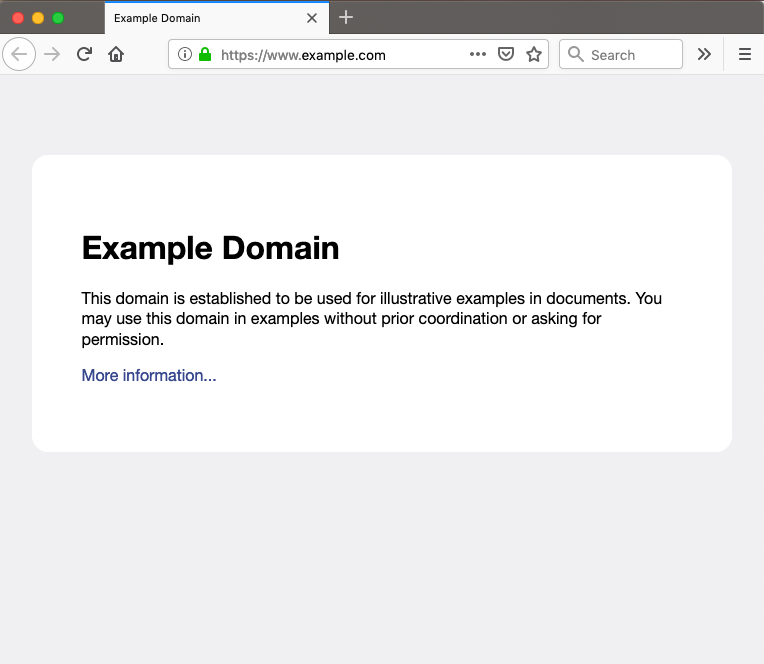
Output