Overview
- The python library pandas provides essential data structures and methods to perform data analysis. The DataFrame class in pandas represents a 2 dimensional array.
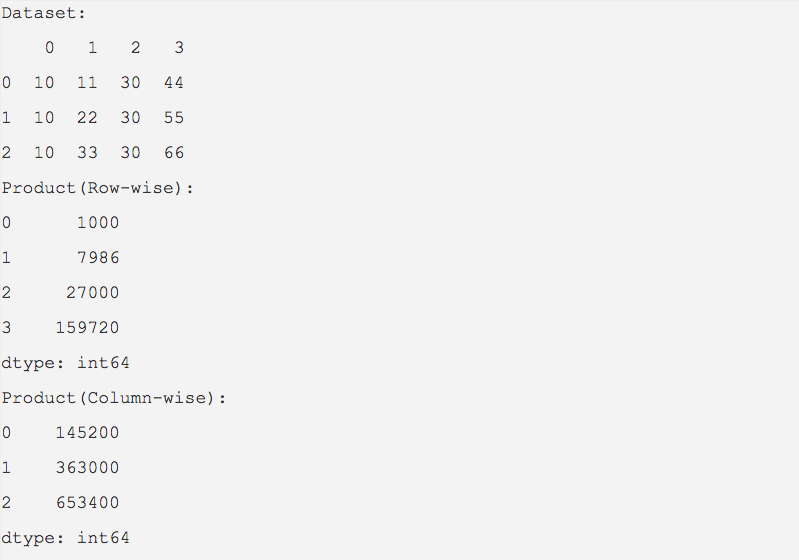
- The rows and columns of a pandas DataFrame object can be multiplied and their product is returned as a pandas series using the prod() method .
- By default, the value for the axis parameter is 0, which calculates the product of columns.
- To have the data values of rows multiplied, use axis=1.
Example
import pandas as pd

dataValue = [(10,11,30,44),

             (10,22,30,55),

             (10,33,30,66)]

dataFrame   = pd.DataFrame(data=dataValue);

print("Dataset:");

print(dataFrame);

product     = dataFrame.prod();

print("Product(Row-wise):");

print(product);

product     = dataFrame.prod(axis=1);

print("Product(Column-wise):");

print(product);
Output