Method Signature
resize(numBytes)
Parameters
numBytes - The number of bytes to be increased or decreased on the bytearray.
Return value
None. The size is modified on buffer itself. No copy of the bytearray is returned.
Overview
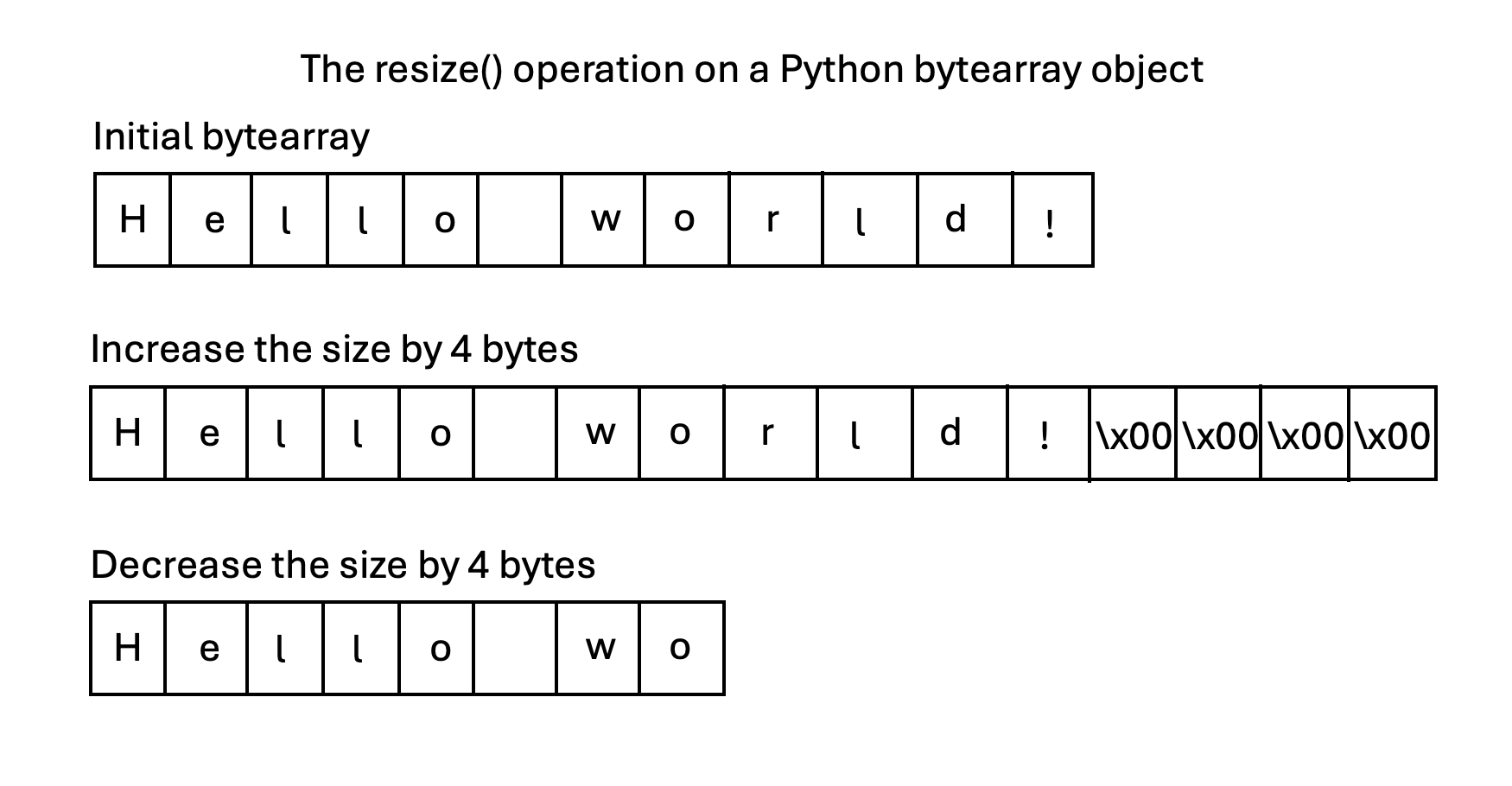
The method resize() of the bytearray class increases or decreases the size of the bytearray by a given number of bytes. Increasing the size of the bytearray also zero initializes the newly acquired space of the bytearray. The method resize() does not return a new buffer. Instead, it just resizes the existing buffer.
Example
# Example Python program that resizes a

            # bytearray using the method resize()

# Create a bytearray

            buffer = bytearray(b"Hello World!")

            print("Initial bytearray:")

            print(buffer)

# Increase the size of the bytearray twofold

            x=buffer.resize(len(buffer)*2)

            print("Bytearray after increasing its size:")

            print(buffer)

# Decrease the size of the bytearray

            buffer.resize(int(len(buffer)/4))

            print("Bytearray after reducing its size:")

            print(buffer)
Output
Initial bytearray:

            bytearray(b'Hello World!')

            Bytearray after increasing its size:

            bytearray(b'Hello World!\x00\x00\x00\x00\x00\x00\x00\x00\x00\x00\x00\x00')

            Bytearray after reducing its size:

            bytearray(b'Hello ')