Overview
Cosine waves are periodic waves generated out of oscillations.
Cosine waves are similar to sine wave however the cosine wave leads sine wave by 90 degrees of phase angle.
The cosine curve does not go through the origin.
The cosine wave has the same frequency as its corresponding sine wave.
The ocean tides are an example of cosine waves.
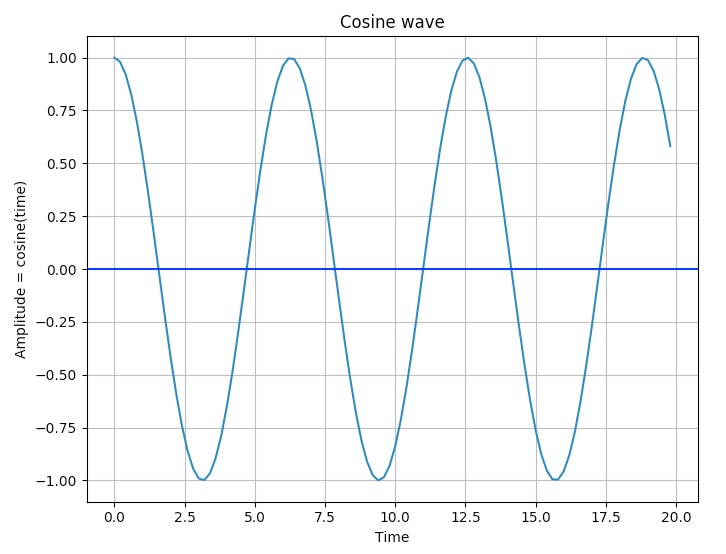
A cosine curve can be plotted by calling the cosine() on a numpy array and using the plot() function of the pyplot module of matplotlib.
Example
import numpy as np

import matplotlib.pyplot as plot

# Get x values of the cosine wave

time        = np.arange(0, 20, 0.2);

# Amplitude of the cosine wave is cosine of a variable like time

amplitude   = np.cos(time)

# Plot a cosine wave using time and amplitude obtained for the cosine wave

plot.plot(time, amplitude)

# Give a title for the cosine wave plot

plot.title('Cosine wave')

# Give x axis label for the cosine wave plot

plot.xlabel('Time')

# Give y axis label for the cosine wave plot

plot.ylabel('Amplitude = cosine(time)')

# Draw the grid for the graph

plot.grid(True, which='both')

plot.axhline(y=0, color='b')

# Display the cosine wave plot

plot.show()
Output